

What linux distro should you pick as a beginner?
Hey there! congrats on getting into Linux world, i'm excited to guide you which Linux distro suit your needs.
Linux can be overwhelming, complex, and confusing to begin with; it's a completely new world to dive into. Not knowing which distro you should go for as a beginner can be bit tricky especially for someone who does not have the concept of something else running on their PC in place of Windows. let's be clear to choose the best distro for you in the world full of thousand of Linux Oses(distribution)
Best Linux distro for beginners
1. Ubuntu
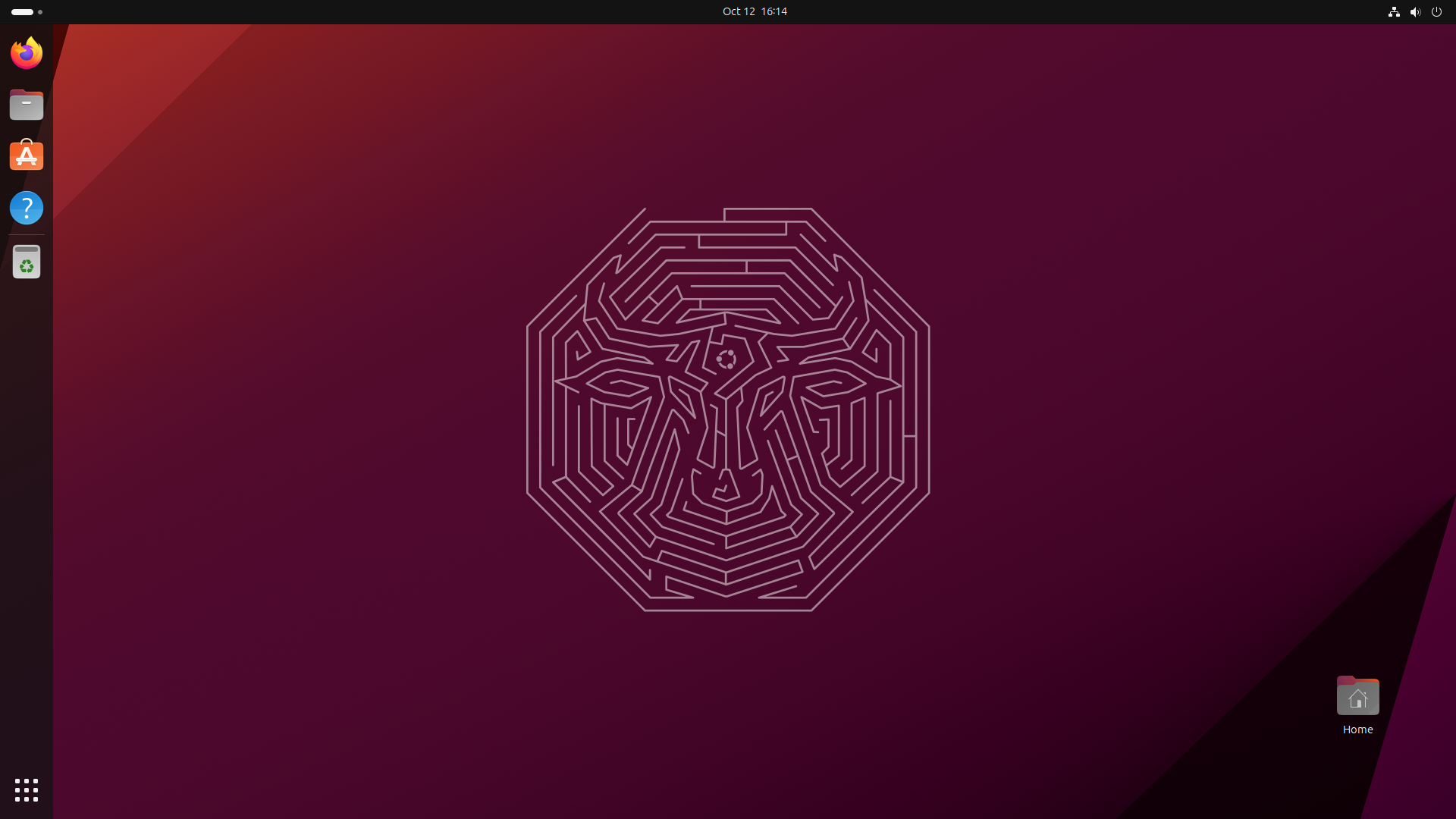
- Easy to use
- Unique user experience
- Huge collection of software applications available through the software center Essential tools pre-installed
- Good community Forums
The most popular & well-heard Linux distro is the open-source OS Ubuntu. Maximum new users
who are switching to Linux OS
try Ubuntu due to its ease of use, user friendly interface, large community, wide range of
software & lastly, all the
free features.
By default, Ubuntu uses the GNOME. It takes some
learning if all you've known before is Windows, but it's
really not that hard. Once you get accustomed to the interface, you'll see that it makes
perfect sense (and you might
even wonder why other desktop operating systems don't follow suit).
2. Linux Mint
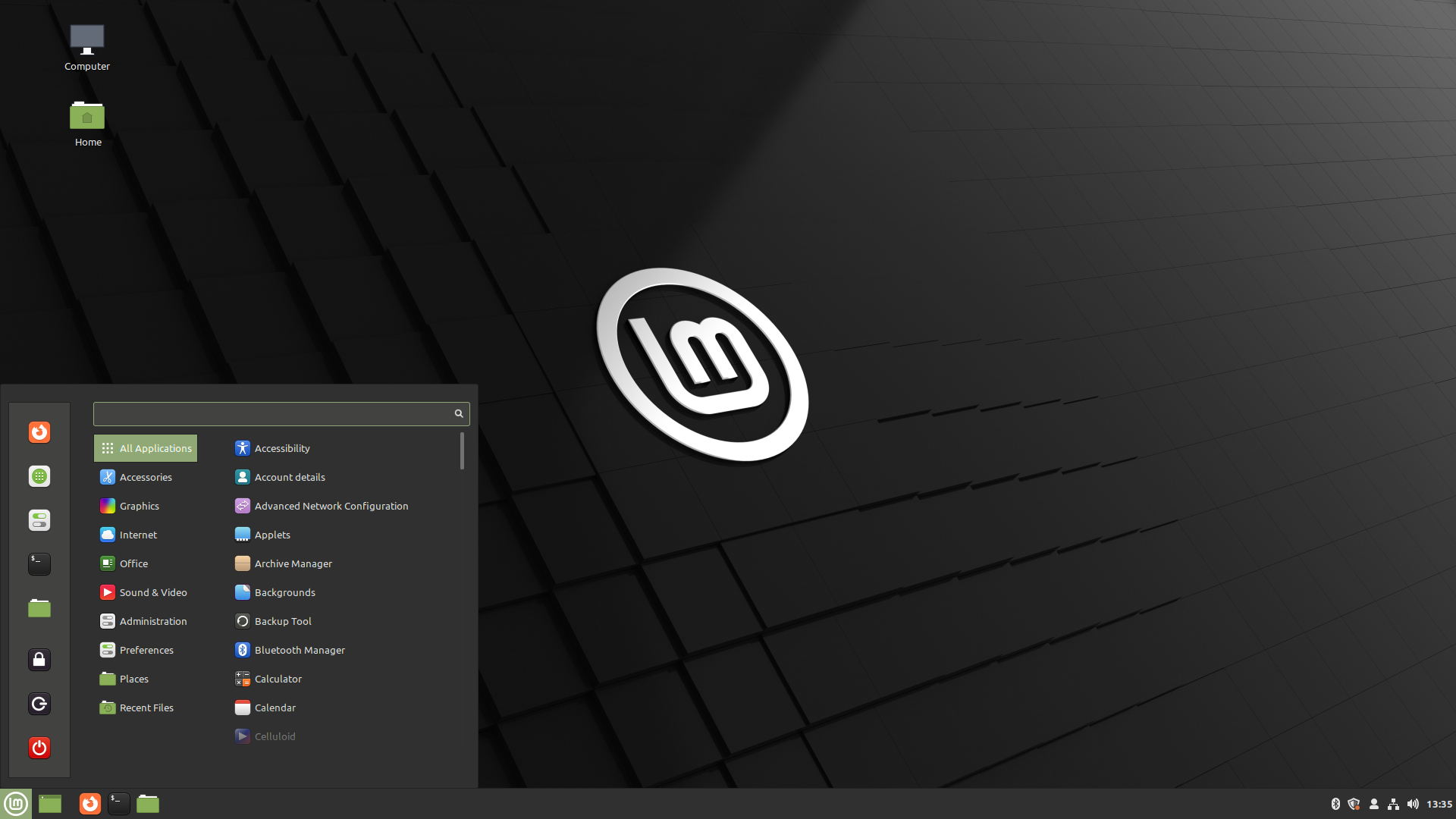
- Easy to use
- Familiar user interface with Windows
- Better for performance on older hardware
- Improvements over ubutnu
Tired of Windows? Then consider turning to Linux Mint, in particular, the version using the
Cinnamon interface. I'm a
Linux power user, I can highly recommend it to anyone, even beginners.
Mint, with several desktop environments such as Cinnamon, looks a lot like XP or Windows 7.
It uses a Windows Icon,
Menu, and Pointer (WIMP) interface, much like the one you probably already know and love.
It's not a one-to-one match
with XP or Windows 7, but most Windows users will find Cinnamon a comfortable fit. Linux
users who grew up with the
GNOME 2.x style interface will also love Cinnamon since it's based on that classic Linux
desktop interface.
3. Zorin OS
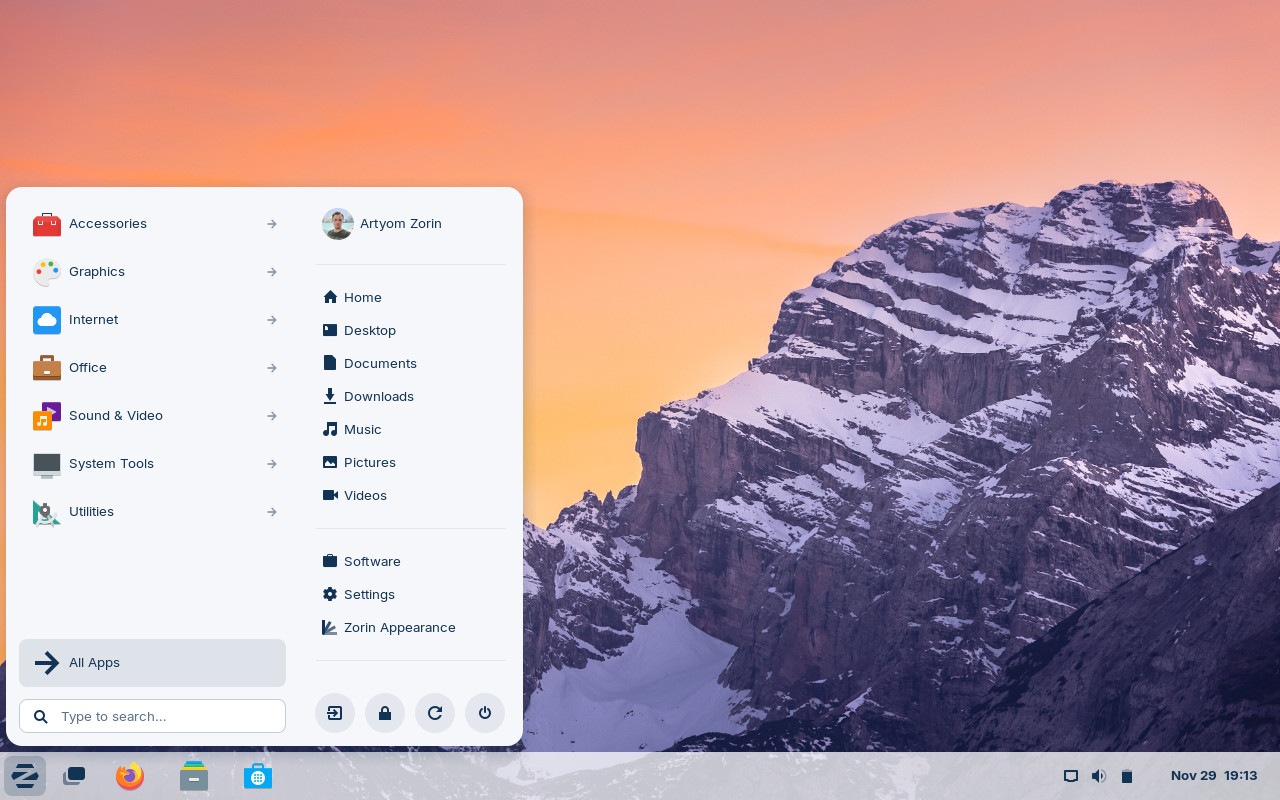
- Windows-like user interface
- Intuitive user experience
- Easy to use
- Huge collection of software applications available through the software center Essential tools pre-installed
- Ultimate edition available with a lot of pre-installed goodies and Lite edition for older computers
So you really, truly dislike the thought of learning even a small amount of GNOME. In such situation, try Zorin OS. It is built on Ubuntu, much as Mint. You may use the Zorin Appearance software to give the desktop a Windows look and feel. Alternatively, it may offer you the appearance and feel of a Chromebook or Mac. Zorin is extremely adaptable. Zorin exists solely to assist you in transitioning from Windows or macOS to Linux. It also includes material that is particularly designed to assist you transition from Windows to Linux. Zorin is available in three versions: Core and Lite, which are free, and Pro, which can replicate the Chromebook, macOS, or Windows appearance and
4. MX Linux
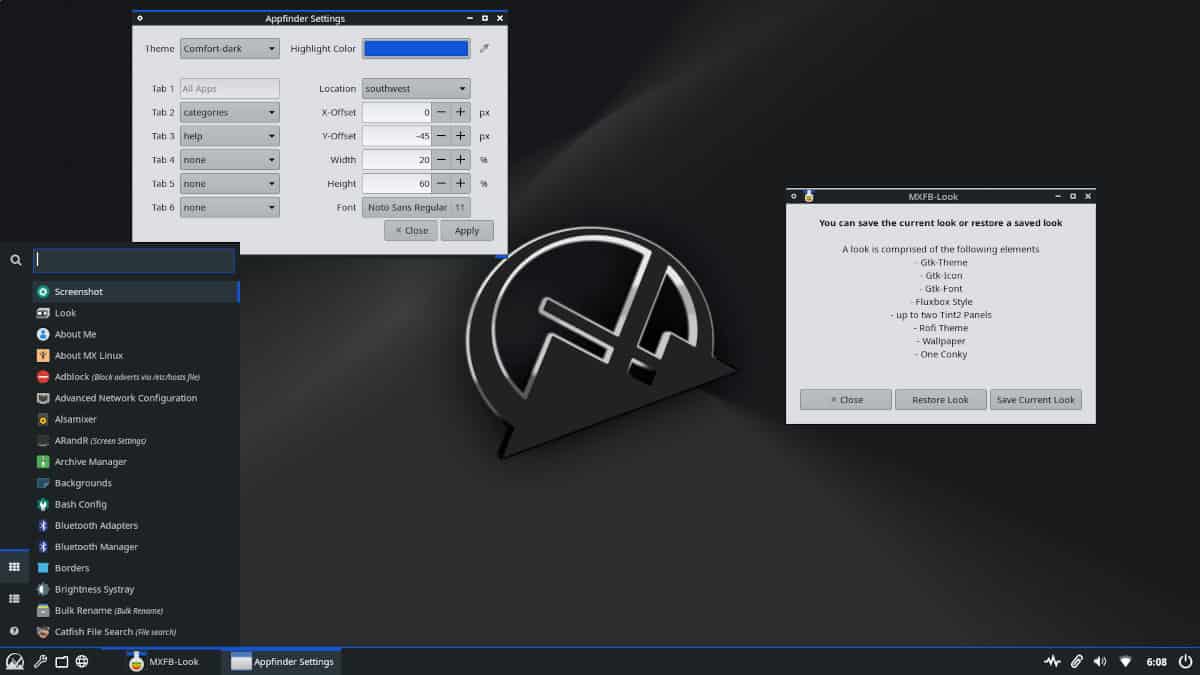
- Lightweight Linux distribution
- Easy to use and simple
- Most downloaded distro according to distrowatch
Today, it's a good, solid lightweight desktop that uses Xfce as its interface. It works
well, and it's very popular.
What I like most about it is that it's beginner-friendly, easy to pick up, and you can run
it on even ancient
Pentium II
gear. In short, it's ideal if you want to get your feet wet with Linux on a PC that would
otherwise be collecting
dust
in your closet.
But you don't have to take my word for it. On Distrowatch, the one site that tracks all the
Linux desktops, in
recent
years, MX Linux is almost always at the top of the list. They must be doing something right.
5. POP! os
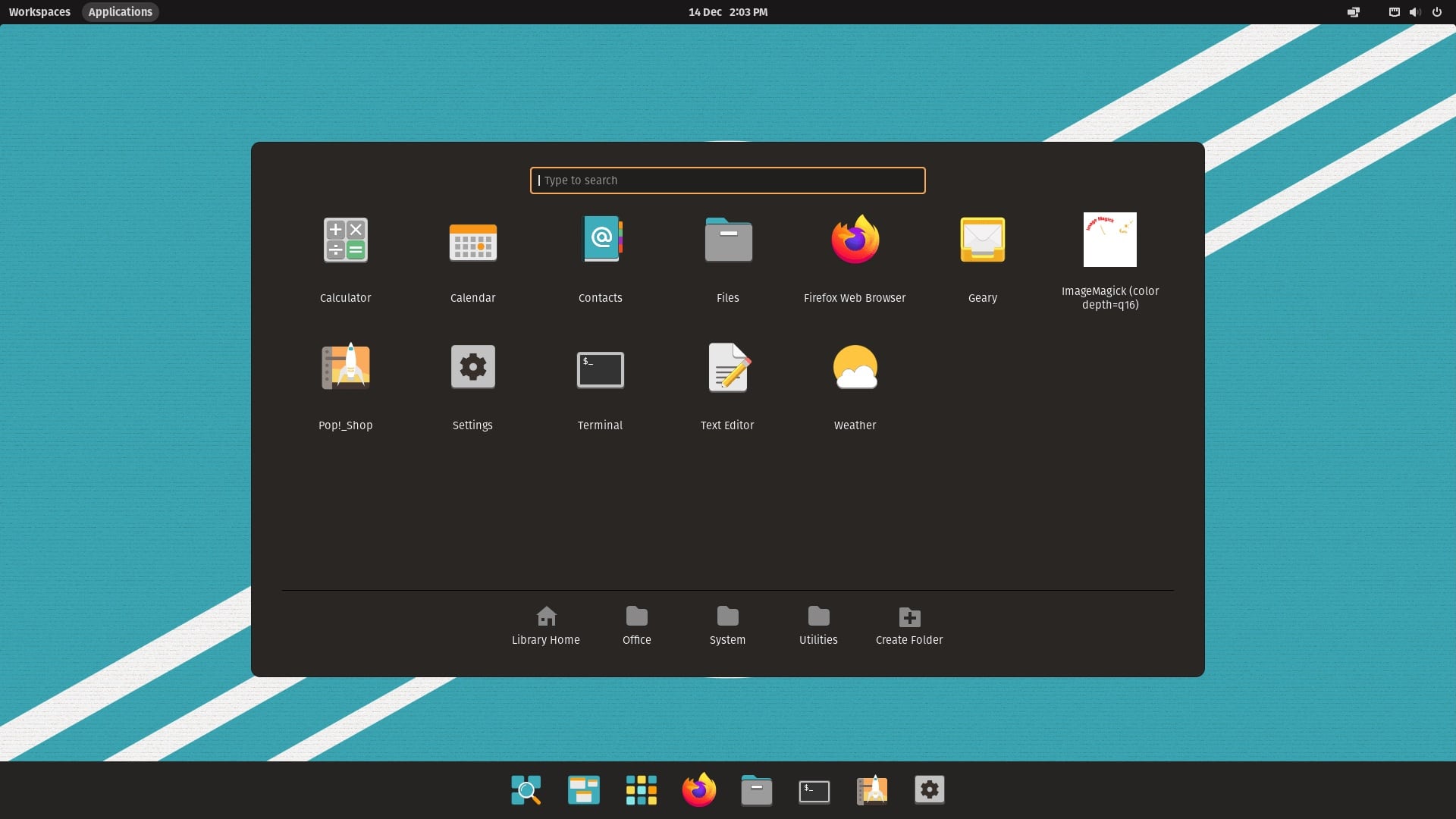
- Improved user experience when compared to Ubuntu
- Good choice for gammers there
- Extra out-of-the-box features like Auto-window tiling to help with fast multitasking
If you don't need a lightweight Linux distribution, Pop OS is arguably the best Ubuntu-based
option.
When compared to the Ubuntu GNOME version, it offers a more refined and responsive user
experience. Pop OS also has some
unique features such as automated window tiling, window stacking, and a few more goodies.
You receive Cosmic, a desktop environment based on GNOME, with various modifications and
built-in extensions to improve
the user experience.
Unlike some other alternatives, it does not support various desktop environments by default.
If you despise GNOME, you
may need to explore with different desktop environments. You may find the new features of
Pop OS 22.04 beneficial for
learning more about it.
Test Linux Distros Online With DistroSea
If you are like me into ADHD(Aggressive Disto Hopping disorder) you can install linux online and test the best distro for yourself.